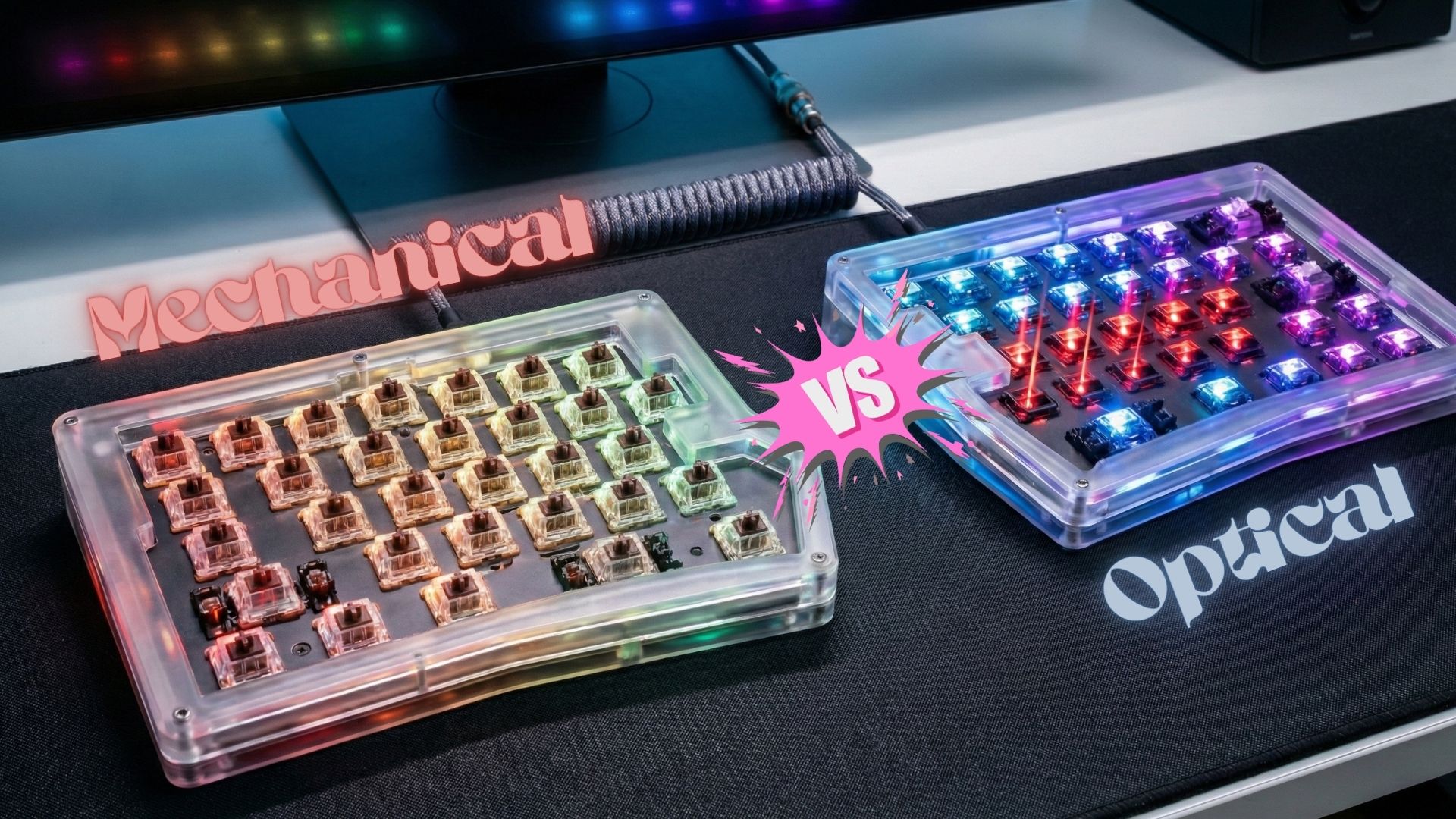
When you’re buying a gaming keyboard, one of the most important choices you’ll face is mechanical vs optical switches. Although both are designed for speed and precision, they work very differently. As a result, choosing the right one can significantly affect your comfort, accuracy, and overall gaming performance.
In this guide, we’ll break down how each switch type works, compare their real-world performance, and help you decide which is better for your gaming style.
What Are Mechanical Switches?
Mechanical switches use physical metal contacts to register a keypress. When you press a key:
- A spring pushes the stem down
- Two metal leaves touch
- The switch sends an electrical signal
This traditional design has been around for decades, yet it’s still preferred by many gamers and typists.
Types of Mechanical Switches
Mechanical switches come in different feels:
- Linear (e.g., Cherry MX Red) – smooth, no bump
- Tactile (e.g., MX Brown) – small bump for feedback
- Clicky (e.g., MX Blue) – tactile bump + audible click
Because of these variations, mechanical keyboards offer a more customized feel.
Advantages of Mechanical Switches
- Rich typing feedback
- Wide variety of switch types
- Long-lasting durability
- Better for typing-heavy tasks
Drawbacks
- Slower actuation compared to optical switches
- Higher maintenance due to metal contacts
- Can be noisy depending on the switch type
What Are Optical Switches?
Optical switches use light-based actuation. Instead of metal contacts, they rely on a laser or infrared beam. When you press a key, the stem blocks the light, which immediately triggers the input.
Because there is no physical electrical contact, the action is extremely fast and consistent.
Types of Optical Switches
Similar to mechanical, optical switches can be:
- Linear optical – fastest for gaming
- Tactile optical – slight bump
- Clicky optical – simulated click feel
Advantages of Optical Switches
- Ultra-fast actuation (ideal for competitive gaming)
- No debounce delay
- Less wear and tear
- More consistent keypresses
- Lower latency overall
Drawbacks
- Fewer variety options compared to mechanical
- Less satisfying for typing
- More expensive on average
- Some people dislike the lighter feel
Mechanical vs Optical Switches: Head-to-Head Comparison
| Feature | Mechanical | Optical |
|---|---|---|
| Actuation Speed | Slightly slower | Extremely fast |
| Latency | Higher due to debounce | Very low |
| Durability | Great | Excellent |
| Typing Feel | Best for typing | Good but less tactile |
| Customization | Very high | Limitedd |
| Noise | Depends on switch type | Mostly quiet |
| Price | Wide range | Usually higher |
Which Is Better for Gaming?
For Competitive FPS & Esports
If you play games like CS2, Apex Legends, Fortnite, or any fast-paced shooter, optical switches are the better choice.
They offer:
- Near-zero latency
- Faster actuation
- Consistent keypresses
- No debounce issues
This gives you a small but meaningful edge in reaction speed.
For RPGs, MOBAs & Casual Gaming
Mechanical switches work great and may even feel more comfortable over long sessions. Their deeper feedback and variety of switch types help reduce fatigue while improving accuracy.
For Typing + Gaming
Mechanical switches are still the king here. Writers, programmers, and hybrid users appreciate:
- Tactile feedback
- Satisfying key travel
- Switch variety
Final Verdict
Optical switches are better for pure gaming, especially if speed and response time matter most.
However, mechanical switches provide superior typing comfort and customization, making them ideal for mixed usage.
Choosing the right switch depends on how you game, what you type, and how you want your keyboard to feel. When you consider all these factors, you’ll end up with a keyboard that not only performs better but also feels perfect for your hands.