Modern visuals are more important than ever, and this gamer’s display guide helps you understand the technology behind today’s screens. In recent years, gamers have faced questions about OLED burn-in, HDR vs SDR, and whether true 10-bit color actually improves gaming quality. Because display performance directly affects clarity, immersion, and competitive gameplay, this gamer’s display guide explains everything in simple terms so you can make smarter choices.
What OLED Burn-In Really Means for Gamers (And How to Avoid It)
OLED panels deliver unmatched contrast, ultra-deep blacks, and incredible color accuracy. However, they also come with one concern: burn-in.
What Is OLED Burn-In?
Burn-in happens when a static image like a mini-map, HUD, or channel logo stays on screen for long periods, causing those pixels to age unevenly. As a result, faint “ghost” images can remain visible even after the content changes.
Is Burn-In Still a Problem Today?
Not nearly as much as before.
Modern OLED panels use:
- Pixel-shifting
- Screen savers
- Automatic brightness limiting (ABL)
- Advanced compensation cycles
These dramatically reduce burn-in risks, even for gamers.
Practical Tips to Reduce Burn-In
To protect your OLED display, follow these gamer-friendly habits:
- Lower static HUD intensity (many games now offer HUD opacity controls)
- Enable pixel-shift and dimming features in TV/monitor settings
- Use varied content rather than the same game for 6–8 hours straight
- Avoid max brightness unless you truly need it
- Take breaks: both you and your screen benefit
Ultimately, modern OLEDs are safe for everyday gaming as long as you use them responsibly.
HDR vs SDR Gaming – When HDR Actually Helps
HDR (High Dynamic Range) promises more vibrant colors, brighter highlights, and deeper shadows. However, HDR isn’t always better, and sometimes SDR can look more consistent.
When HDR Shines
HDR delivers a clear advantage in scenarios such as:
- Games with high contrast, like horror, cinematic shooters, and open-world titles
- Environments with bright effects, like explosions, sun reflections, and neon lighting
- High-quality TVs/monitors with true HDR capabilities (HDR600, HDR1000, OLED, QD-OLED, etc.)
When used properly, HDR adds depth and realism that SDR simply cannot replicate.
When SDR Can Look Better
However, HDR fails in certain cases:
- Budget monitors with fake HDR (HDR10 but <400 nits brightness)
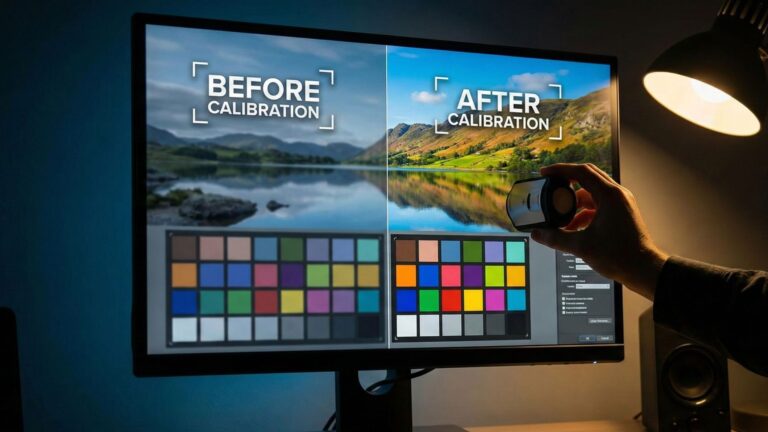
- Poor calibration, causing washed-out or dim scenes
- Games with weak HDR implementation, which still happens frequently
In these situations, turning HDR off often gives a more stable and accurate image.
How to Get the Best HDR Experience
To maximize HDR performance:
- Always calibrate HDR using system/game tools
- Use gaming monitors with at least HDR600, or OLED/QD-OLED
- Update game patches; many devs fix HDR later
- Increase in-game brightness slightly if HDR feels too dim
Once HDR works as intended, it transforms your gaming visuals dramatically.
What “True 10-Bit Color” Means for Gaming Quality
Color depth directly impacts how smoothly colors transition across a scene.
This is where true 10-bit color comes in.
What Is True 10-Bit Color?
A true 10-bit panel can display over 1 billion colors, compared to only 16.7 million on an 8-bit panel.
This means:
- No harsh color banding
- Smoother sky gradients
- More accurate lighting effects
- Better HDR performance
Why 10-Bit Matters in Modern Games
Modern titles use advanced lighting, particle effects, and volumetric rendering.
Since these rely on color precision:
- 8-bit panels can show banding, especially in HDR scenes
- True 10-bit displays look dramatically cleaner and more natural
But Here’s the Catch
Not all “10-bit panels” are real 10-bit. Many cheaper gaming monitors use 8-bit + FRC (dithering). While FRC is decent, it’s not as smooth as native 10-bit.
How to Check if Your Monitor Is Real 10-Bit
Look for:
- “Native 10-bit panel” in the specs
- 1.07 billion colors
- DisplayPort 1.4 or HDMI 2.1 support
- True HDR certification (HDR600, HDR1000, or OLED)
Final Thoughts
As gaming displays evolve, understanding the tech behind them becomes increasingly important. OLED burn-in is manageable, HDR is powerful when implemented correctly, and true 10-bit color brings accuracy that elevates modern games. By making informed choices and using your display’s features properly, you’ll enjoy stunning visuals that make every game look better today and in the long run.
Go deeper: compare mini-LED vs OLED and learn to calibrate your display.