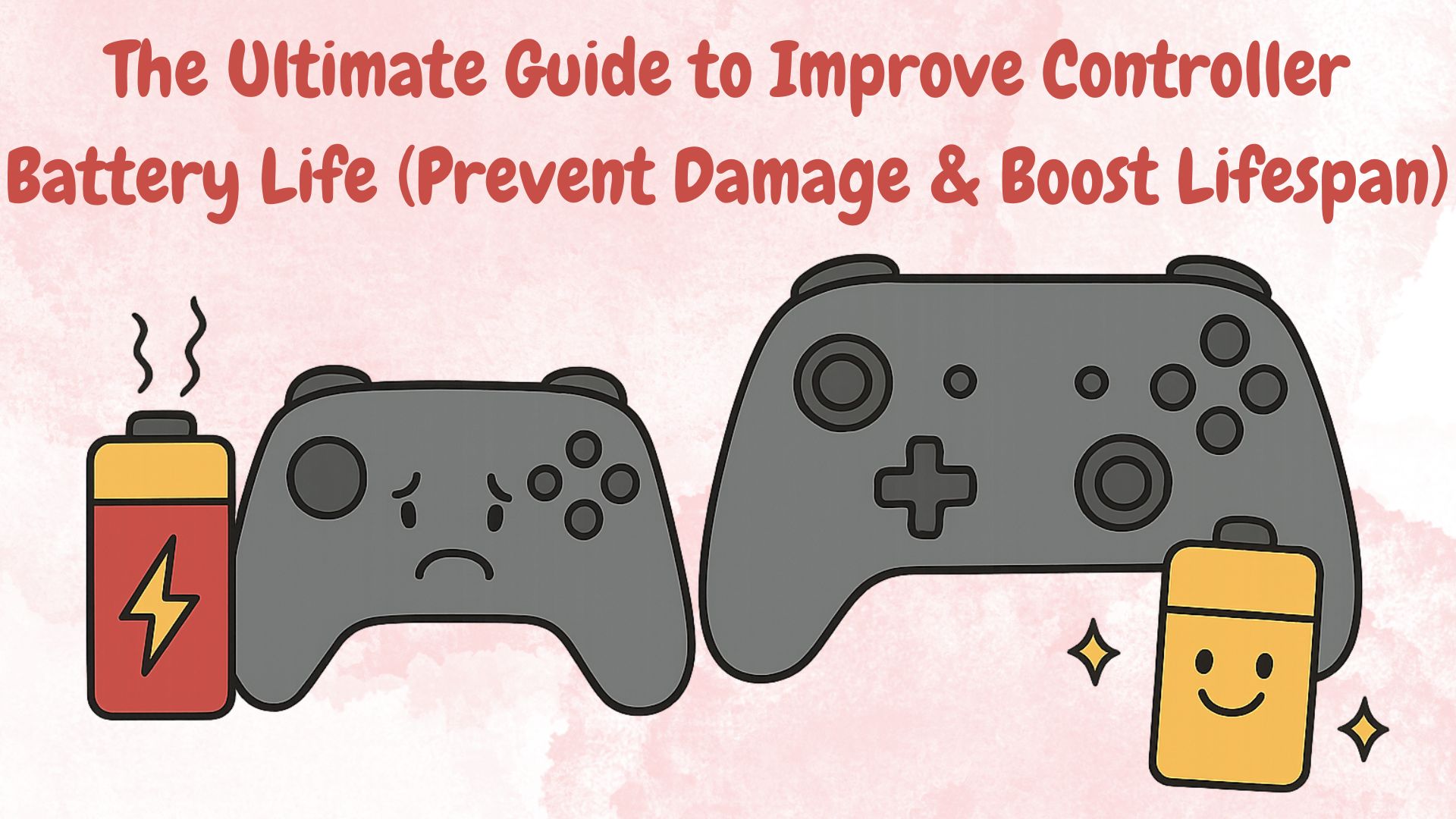
When it comes to gaming, battery life is one of the most overlooked yet most important aspects of any controller. Whether you use an Xbox, PlayStation, Switch, or a third-party gamepad, the way you charge, store, and maintain your controller directly affects its lifespan. In this complete guide, you’ll learn why batteries fail, how to improve longevity, and what habits destroy your controller battery without you realizing it.
How Temperature Affects Controller Battery Life
Temperature plays a huge role in battery health. Lithium-ion batteries, used in most controllers, are sensitive to heat and extreme cold.
- High temperatures accelerate chemical aging, reducing maximum charge capacity.
- Very cold temperatures temporarily reduce performance and may cause unexpected shutdowns.
- Leaving controllers near a router, console vents, or in a parked car can permanently damage the battery.
Best practice: Keep controllers between 15°C and 30°C for optimal battery health.
Why Fast Charging Can Damage Controller Batteries
Fast charging might sound convenient, but it stresses the battery by pushing higher voltage and higher currents. Over time, this increases heat, accelerating wear.
- Causes faster battery degradation
- Generates excess heat, which is harmful
- Reduces the total number of charge cycles
Use standard charging speeds whenever possible to maximize long-term battery life.
How to Check if Your Controller Battery Is Dying
A dying battery shows a few clear symptoms:
- Controller loses charge much faster than before
- Battery drops suddenly from 60% to 20%
- Random shutdowns even when charged
- Controller gets warm while charging
- You need to keep it plugged in more often
If two or more symptoms appear repeatedly, your battery is nearing end-of-life.
Best Charging Cables for Controllers: What to Look For
A good charging cable protects your battery. Low-quality cables can cause unstable power delivery.
Look for these features:
- Durable connectors (aluminum or reinforced plastic)
- Data + power support (not power-only cheap cables)
- 2A–3A power rating
- Thick, braided cable for long-term reliability
High-quality cables ensure smooth charging without voltage drops.
How to Store Controllers for Long Periods Without Battery Damage
If you won’t use your controller for weeks or months, proper storage is crucial.
- Charge the battery to 40–60%, not 0% or 100%
- Turn it off completely
- Store in a cool, dry place
- Avoid sunlight or enclosed hot spaces
- Recharge it every 3–4 months to prevent deep discharge
Long-term storage mistakes can permanently reduce battery capacity.
Why Third-Party Controllers Lose Battery Faster
Not all controllers use high-quality battery cells. Many budget or unknown brands cut corners.
Common issues:
- Lower-capacity batteries
- Cheap charging circuits
- Poor power optimization
- Bad firmware that doesn’t manage Bluetooth efficiently
Stick to reputable brands or official controllers if long battery life is important.
Does Playing While Charging Damage Controller Batteries?
This depends on how you charge:
Safe:
- Playing while charging with a good-quality cable
- Charging at normal speeds, not fast charging
Risky:
- Playing while the controller becomes hot
- Using a bad charger, power bank, or low-quality cable
- Charging from unstable USB ports on TVs or cheap adapters
If the controller warms up during play-and-charge, stop immediately.
How to Clean Charging Ports for Stable Power
Dirty charging ports cause slow charging, random disconnects, and unstable power.
To clean safely:
- Power off the controller
- Use a soft brush, toothpick, or compressed air
- Remove lint, dust, or dirt gently
- Never use metal pins or liquids inside the port
Clean ports every 2–3 months or whenever charging becomes inconsistent.
How to Make Your Controller Battery Last for Years
Here are the golden rules for long-lasting controller batteries:
- Keep battery between 20%–80% most of the time
- Avoid full 0–100% cycles
- Prevent overheating during charging or gaming
- Use high-quality cables and certified chargers
- Disable features that drain battery faster
- Don’t leave it plugged in overnight regularly
- Store properly during long breaks
Final Thoughts
Your controller battery life depends heavily on your habits. By maintaining proper temperatures, avoiding fast charging, cleaning ports, and using good charging equipment, you can significantly extend your gamepad’s lifespan.
If you follow the tips in this guide, your controller will stay in peak condition for years, saving you money and avoiding frustrating mid-game disconnects.
Want to be sure the controller still works perfectly? Run it through our Gamepad Tester.