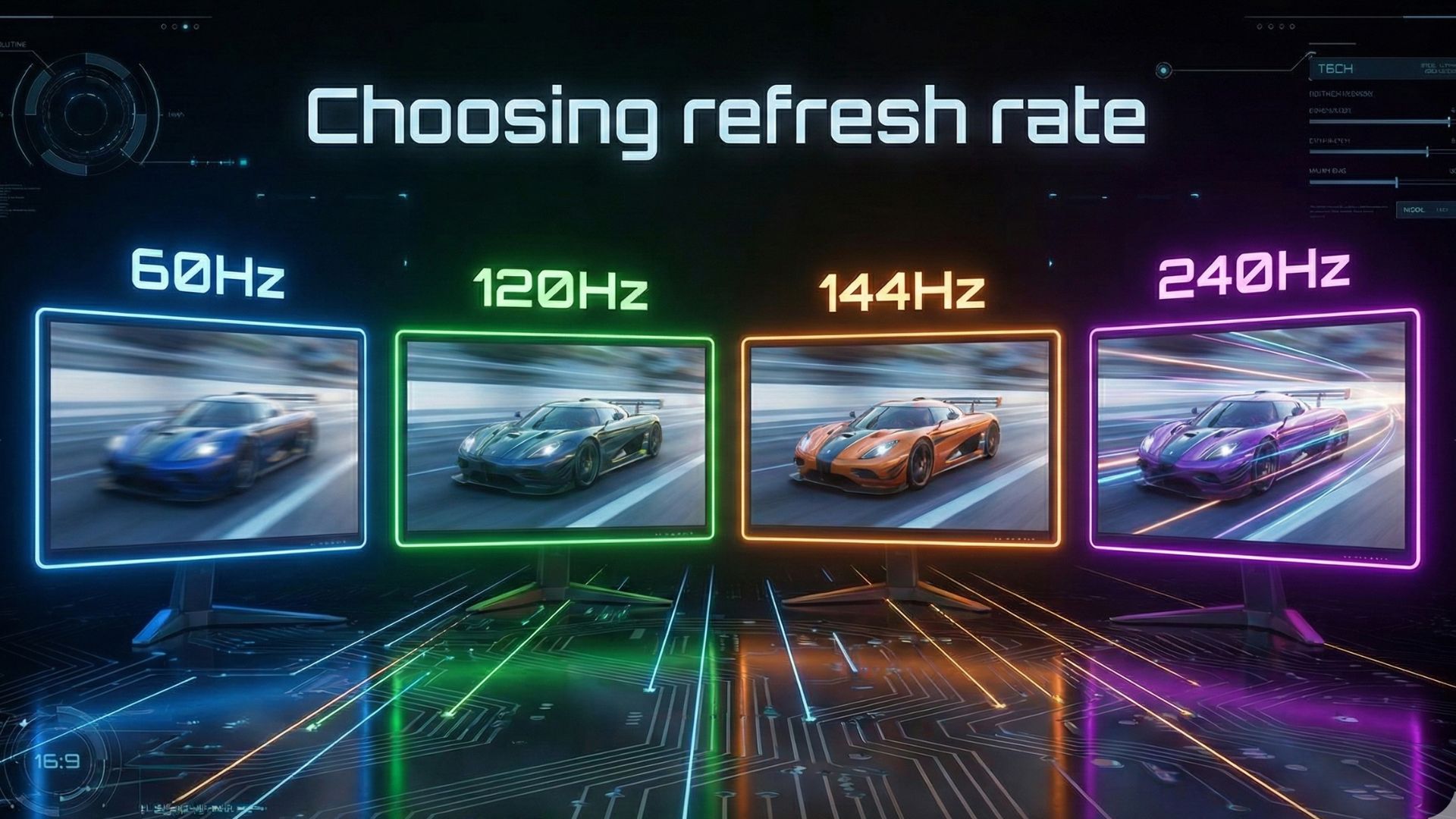
Choosing the right refresh rate (60Hz vs 120Hz vs 144Hz vs 240Hz) can drastically change how your games, videos, and everyday tasks feel. While specs like resolution and panel type matter, the refresh rate often has the biggest impact on smoothness and responsiveness. Yet, with so many options 60Hz, 120Hz, 144Hz, and even 240Hz many people get confused about what they truly need.
To make things easier, this guide breaks down each refresh rate, explains who it’s for, and helps you pick the perfect one for your setup.
What Is Refresh Rate?
Refresh rate is the number of times your screen updates the image per second. It’s measured in Hertz (Hz). A higher refresh rate means movement looks smoother, input feels faster, and motion blur becomes less noticeable.
For example:
- 60Hz = 60 updates per second
- 120Hz = 120 updates per second
- 240Hz = 240 updates per second
Even if your device shows high FPS, your monitor’s refresh rate ultimately dictates how smooth the output looks.
60Hz – The Standard Choice
A 60Hz display has been the baseline for years. It’s still found in budget laptops, office monitors, and entry-level TVs.
Best For
- Casual users
- Streaming, movies, browsing
- Older or low-power PCs
Pros
- Affordable
- Lower GPU requirements
- Good for non-competitive gaming
Cons
- Not ideal for fast-paced shooters
- More motion blur
- Feels noticeably slower compared to higher refresh rates
If you mainly work, watch videos, or play slower games, 60Hz may still be enough.
120Hz – The Sweet Spot for Modern Displays
120Hz has become incredibly popular due to its balance of smoothness and performance. Most new TVs, gaming laptops, and smartphones now use 120Hz as their premium option.
Best For
- Console gamers (PS5, Xbox Series X)
- Smooth scrolling and animations
- Fast-paced games at medium-high settings
Pros
- Noticeably smoother than 60Hz
- Perfect match for next-gen consoles
- Requires less GPU power than 144Hz or 240Hz
Cons
- Not as common on budget monitors
- Slightly more expensive
If you want a big jump in smoothness without overspending, 120Hz is one of the best choices.
144Hz – The PC Gaming Favorite
144Hz monitors dominate the competitive PC gaming market. Although the difference between 120Hz and 144Hz is not dramatic, it is still noticeable in action-heavy gameplay.
Best For
- PC gamers
- Competitive shooters
- Esports beginners
Pros
- Very smooth gameplay
- Affordable options available
- Widely supported by GPUs
Cons
- Needs a stronger GPU for high FPS
- Difference from 120Hz can be subtle for casual players
If you play games like Apex Legends, Valorant, or Fortnite on PC, 144Hz is a fantastic sweet spot.
240Hz – The Esports Level
240Hz is where things become extremely smooth. While most people don’t truly need it, competitive players love it for its buttery-smooth motion and ultra-low input lag.
Best For
- Serious esports players
- High-FPS competitive titles
- Fast reflex gameplay
Pros
- Fastest, smoothest experience
- Lowest input lag
- Noticeable improvement for pro gamers
Cons
- Very hardware-intensive
- More expensive
- Benefits mainly competitive players
If your PC consistently outputs 200+ FPS and you play to win, 240Hz delivers the edge you want.
Side-by-Side Comparison
| Refresh Rate | Ideal Use | Smoothness | GPU Requirement | Best For |
|---|---|---|---|---|
| 60Hz | Everyday tasks | Basic | Low | Casual users |
| 120Hz | Modern gaming | High | Moderate | Consoles, smooth browsing |
| 144Hz | PC gaming | Very High | Medium-high | Competitive gamers |
| 240Hz | Esports | Extreme | Very high | Pros & serious players |
How to Choose the Right Refresh Rate (Simple Guide)
60Hz if:
- You work, browse, or casually game
- You’re buying a budget monitor
- Your GPU struggles with modern games
120Hz if:
- You own a PS5 or Xbox Series X
- You want smooth visuals without needing 200+ FPS
- You watch fast-action content
144Hz if:
- You’re a PC gamer
- You play competitive multiplayer titles
- You want a great balance of price and performance
240Hz if:
- You’re into esports-level gaming
- Your PC consistently outputs very high FPS
- You want the fastest response possible
Final Verdict
Choosing a refresh rate(60Hz vs 120Hz vs 144Hz vs 240Hz) depends on your needs. For everyday use, 60Hz works fine. For modern consoles, 120Hz is the sweet spot. PC gamers should lean toward 144Hz, while serious esports players will benefit from 240Hz.
In the end, higher refresh rates almost always feel better but only if your hardware and games can keep up. So, balance your budget, GPU power, and gaming style to pick the option that suits you best.