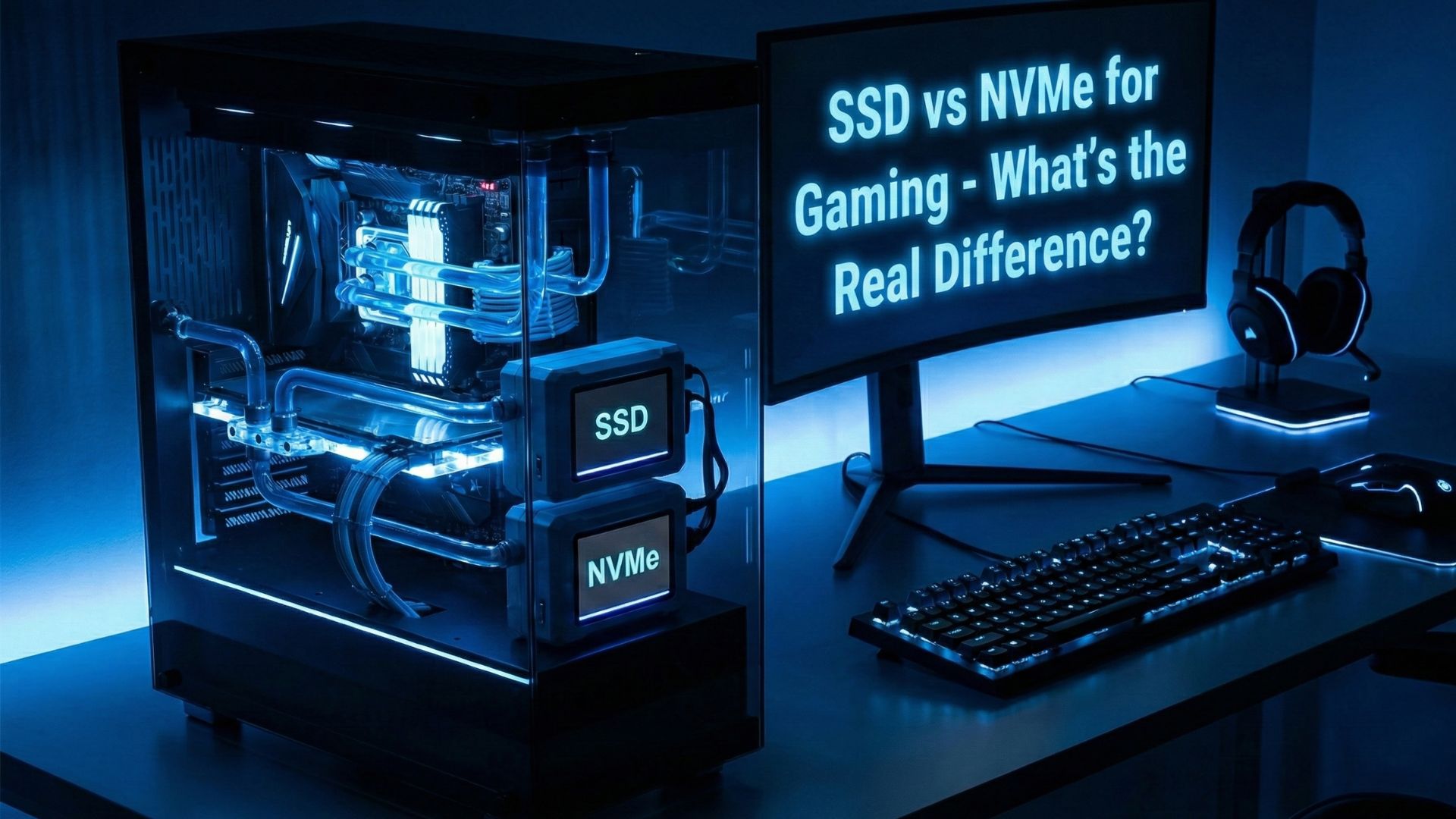
When you build or upgrade a gaming PC, you quickly run into one big question. Should you choose a regular SSD or go for a faster NVMe drive? At first glance, both look similar. After all, they’re both solid-state storage options and far better than traditional HDDs. However, once you look deeper, you’ll notice that the differences between SSDs and NVMe drives can significantly impact your gaming experience.
In this guide, we’ll break down how ssd vs nvme for gaming work, how they differ and most importantly, whether NVMe actually improves your gaming performance or if a standard SSD is enough.
What Is an SSD?
A standard SSD (SATA SSD) is a storage drive that uses NAND flash memory to store data. Although it’s many times faster than an HDD, it’s still limited by the older SATA interface, which was originally designed for slower hard drives.
Typical SATA SSD speeds:
- Sequential Reads: 500–550 MB/s
- Sequential Writes: 450–520 MB/s
Despite these limits, a SATA SSD already makes a huge difference in boot times, game loading, and overall system responsiveness.
What Is an NVMe Drive?
NVMe (Non-Volatile Memory Express) drives also use SSD flash memory, but with one massive advantage they connect through the PCIe interface, not SATA. Because of this, they can move data directly through the CPU at extremely high speeds.
Typical NVMe speeds:
- PCIe 3.0 NVMe: 2,500–3,500 MB/s
- PCIe 4.0 NVMe: 5,000–7,500 MB/s
- PCIe 5.0 NVMe: 10,000+ MB/s
In other words, NVMe drives are 5x to 15x faster than regular SATA SSDs.
SSD vs NVMe: What Changes for Gaming?
Now comes the real question: Does NVMe actually make your games run faster?
Surprisingly, the answer is both yes and no.
Let’s break it down.
1. Loading Times
This is where NVMe drives offer the biggest improvement. Games load textures, maps, and assets quicker, which means:
- Shorter loading screens
- Faster fast-travel times
- Quicker scene transitions
Although NVMe is much faster on paper, the real-world difference is typically:
- SATA SSD → NVMe improvement: 10–20% faster load times
That’s noticeable, but not dramatic.
2. In-Game Performance (FPS)
This often surprises gamers:
👉 Your FPS will NOT increase with NVMe.
Frame rates depend on your GPU and CPU not your storage speed. So even if you install the fastest NVMe drive, your FPS remains the same.
3. Open-World Streaming
Modern games like:
- Cyberpunk 2077
- Hogwarts Legacy
- Starfield
- Spider-Man Remastered
stream huge assets in real time. NVMe drives help reduce:
- Texture pop-ins
- Stuttering
- Delayed rendering
This is where NVMe shines the most, especially with today’s massive open-world titles.
4. System Responsiveness
While not strictly gaming-related, NVMe drives make your whole PC feel snappier. Apps open almost instantly, and system boots take just a few seconds.
Which Should You Choose for Gaming?
To make things simple, here’s the gaming-focused breakdown:
Choose a SATA SSD if:
- You’re on a budget
- You’re upgrading from an HDD
- You play competitive games where loading times don’t matter much
- Your motherboard doesn’t have an M.2 NVMe slot
A SATA SSD still gives you 95% of the gaming benefit.
Choose an NVMe SSD if:
- You want the fastest load times possible
- You play open-world AAA titles
- Your motherboard supports PCIe 4.0 or 5.0
- You want a future-proof setup
Although the performance boost isn’t huge in all games, it’s still noticeable and worth it for modern titles.
Does PCIe 4.0 or 5.0 Matter for Gaming?
Not really not yet.
Even high-end games barely use the full speed of PCIe 3.0 NVMe drives. While future titles will demand more bandwidth, today’s games benefit slightly, not dramatically.
So don’t stress over choosing PCIe 4.0 or 5.0 unless you want maximum speed for productivity tasks like:
- 4K/8K video editing
- Large file transfers
- Heavy workloads
Final Verdict: SSD or NVMe for Gaming?
If you’re upgrading from an HDD, any SSD feels like a day-and-night difference. However, if you’re deciding between SATA SSD and NVMe:
NVMe = Faster loading, smoother open-world streaming
SATA SSD = Budget-friendly and fast enough for most gamers
In short:
👉 NVMe is better, but not essential.
If you can afford it, go for NVMe. If not, a SATA SSD will still give you an amazing gaming experience.