🎮 Why 2.4GHz Wi-Fi Causes Interference
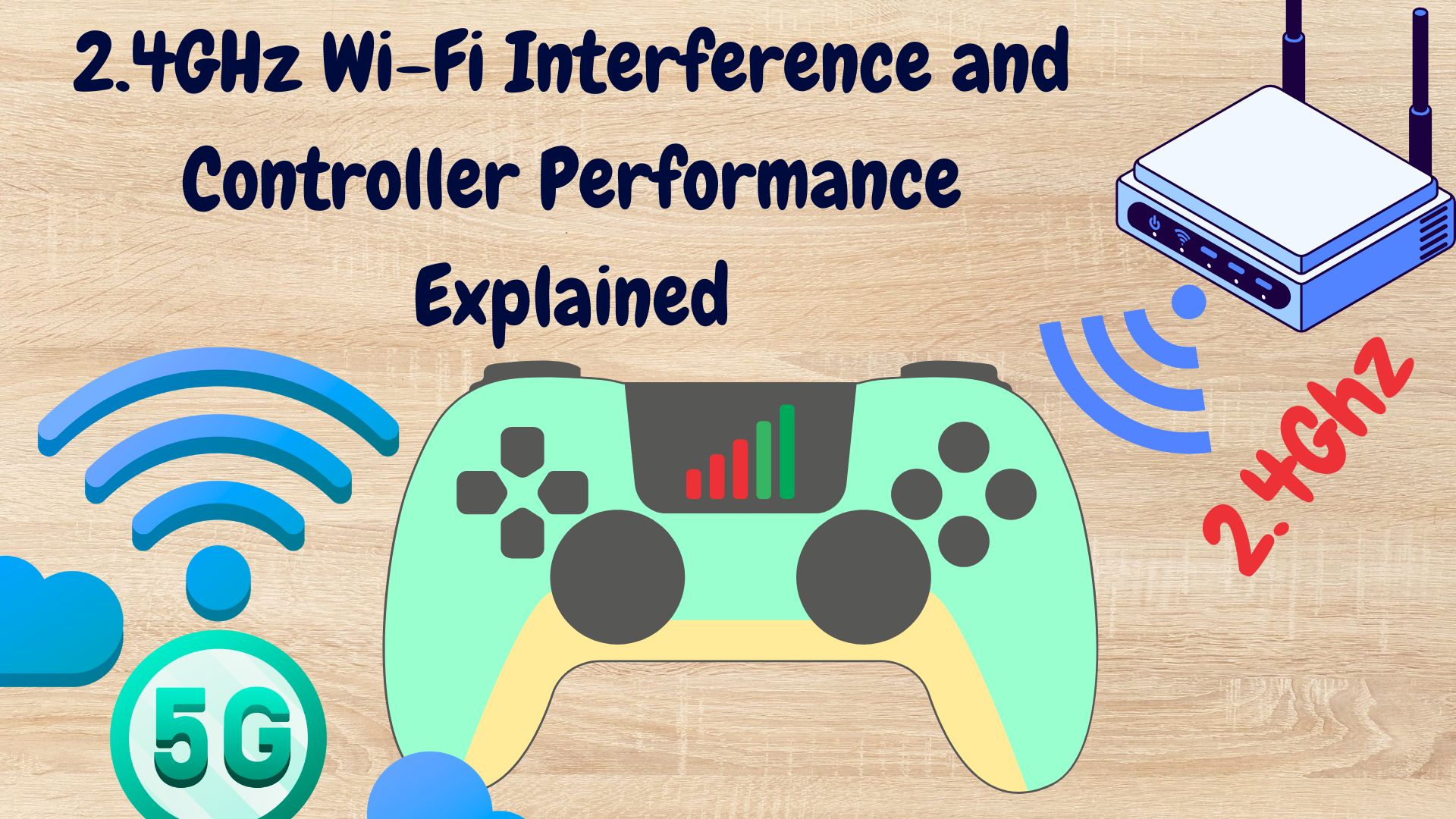
When your game feels laggy or your controller suddenly disconnects, you might be facing 2.4GHz Wi-Fi interference. Most wireless game controllers use Bluetooth, which also operates on the 2.4GHz band. This means your controller and Wi-Fi router are both fighting for the same frequency space. When multiple devices transmit signals at once like your router, phone, mouse, and controller they can interfere with each other, causing:
- Input lag or delay
- Temporary disconnections
- Poor responsiveness
- Missed or stuck button presses
📶 Signs of 2.4GHz Interference During Gameplay
You might be dealing with Wi-Fi interference if:
- Your controller lags more when you’re downloading or streaming something on Wi-Fi.
- The controller works fine when closer to your device but drops connection a few meters away.
- Switching to another Bluetooth device (like headphones) causes similar lag.
⚡ Solutions to Reduce Interference
✅ Switch to 5GHz Wi-Fi
If your router supports dual-band, connect your phone, tablet, or TV to the 5GHz network. It’s faster, has less interference, and doesn’t overlap with Bluetooth frequencies.
✅ Keep Router Away from Your Gaming Setup
Try moving your router a few feet away from your console, TV box, or phone. Even small distance changes can drastically reduce interference.
✅ Limit Active Wi-Fi Devices
When gaming, disconnect or pause other devices that are using the same Wi-Fi network. This helps reduce traffic on the 2.4GHz band.
✅ Use a Wired Connection (if possible)
For the most stable experience, connect your controller via USB cable. This completely eliminates wireless interference and ensures minimal input delay.
✅ Update Firmware
Check for controller and device firmware updates. Manufacturers often release patches that improve wireless performance and signal handling.
🚀 2.4GHz vs 5GHz: Quick Comparison
| Feature | 2.4GHz Wi-Fi | 5GHz Wi-Fi |
|---|---|---|
| Range | ✅ Longer range | ⚡ Shorter range |
| Speed | ⚙ Moderate | 🚀 Faster |
| Interference | ❌ High (Bluetooth overlap) | ✅ Low |
| Best for | General use, browsing | Gaming, streaming |
🎯 Final Thoughts
Yes, 2.4GHz Wi-Fi can affect your controller’s performance, especially if you’re using a Bluetooth controller. The easiest fix is to switch your devices to 5GHz Wi-Fi and keep your gaming area clear of routers or other wireless devices. A few simple adjustments can turn a laggy session into a smooth, responsive gameplay experience.