
Gamepad Tester
Effortlessly test and troubleshoot your gamepad or controller on both Android and desktop. Gamepad Tester supports a wide range of devices, including Xbox, PlayStation, and generic USB gamepads. Whether you’re a gamer fine-tuning input accuracy or a developer debugging controller functions, our free tool lets you verify every button, axis, and trigger in real time with no installation required.
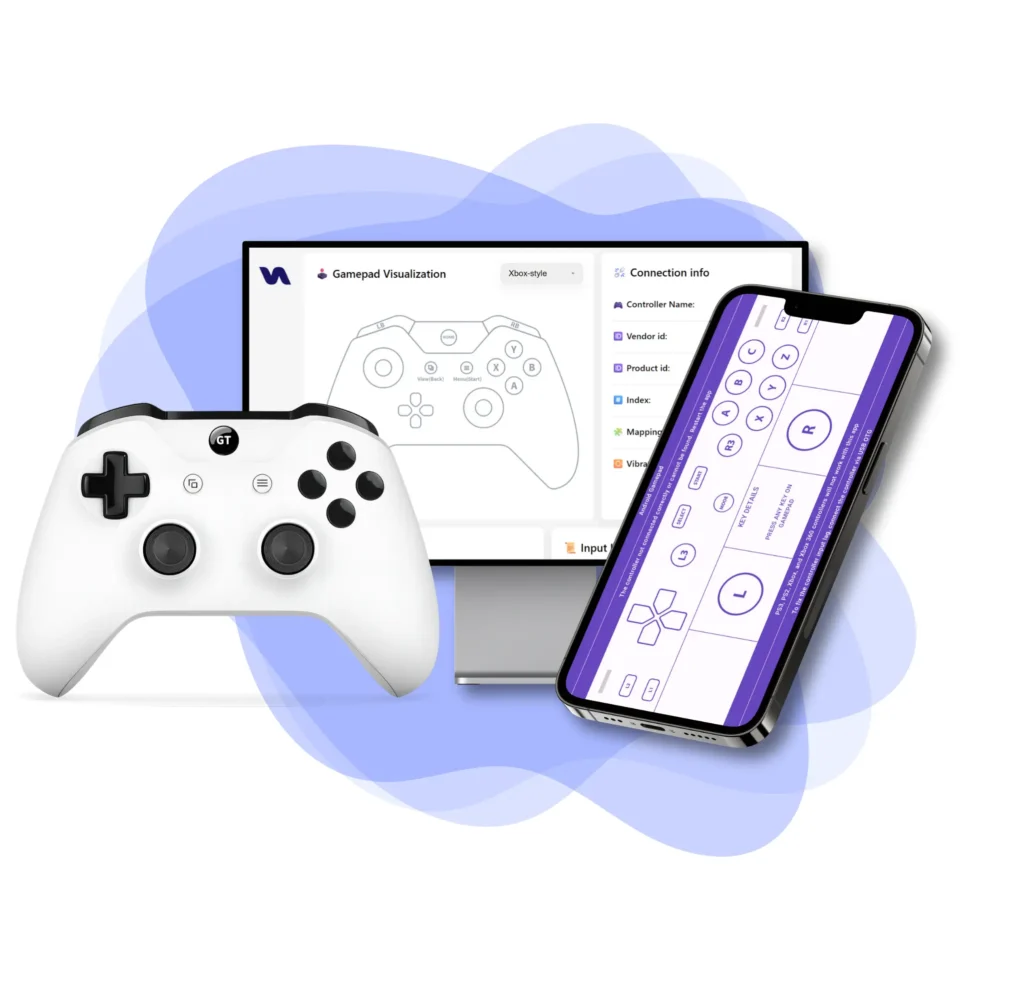

Cross-Device Support
Use on Android or Desktop with full app features
Instant Feedback
See live button presses and analog movements.
Developer Tools
View raw IDs, axis data, and button indices.
Privacy
No data collection. Everything runs locally.
Apps
Real-time testing and input visualization.
Gamepad Tester App
Gamepad Tester app for Android is a powerful and easy-to-use tool for checking controller functionality. Whether you’re a gamer verifying input response or a developer debugging buttons and sticks, this app provides real-time feedback on button presses, thumbstick movement, and trigger sensitivity all directly from your Android device.
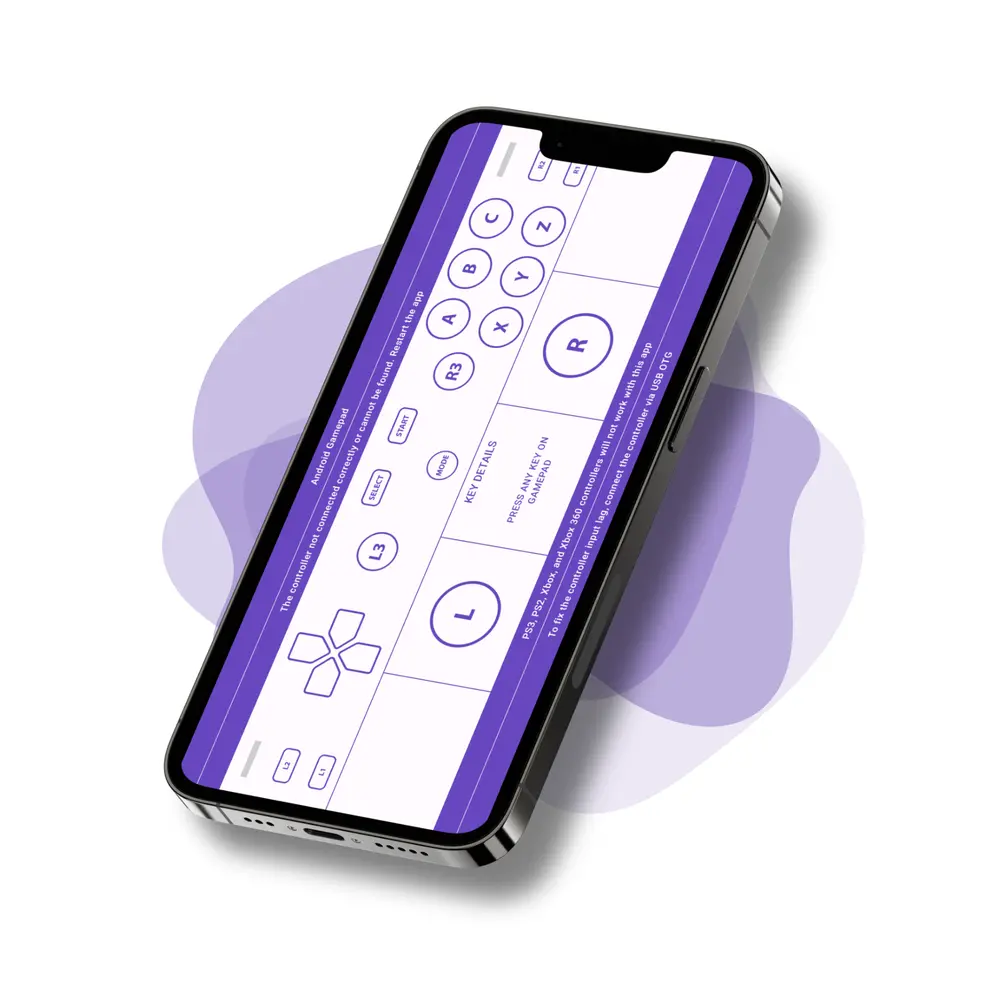
📌Features
- Real-time input and joystick feedback
- Graphical and Text view modes
- View controller name, type & connection
- Universal Mode for Xbox, PS4, and others
- Works with USB, Bluetooth & wireless controllers
- Built for gamers and developers to debug inputs accurately
🔧Supporting Devices
- Standard Android Gamepads
- DualShock 4 (DS4) v1 & v2
- Xbox & PlayStation Controllers (via Universal Mode)
- Generic USB Gamepads
🕹️Modes
- Standard Gamepad Mode
- PlayStation Mode (Type 1)
- PlayStation Mode (Type 2)
- Universal Compatibility Mode

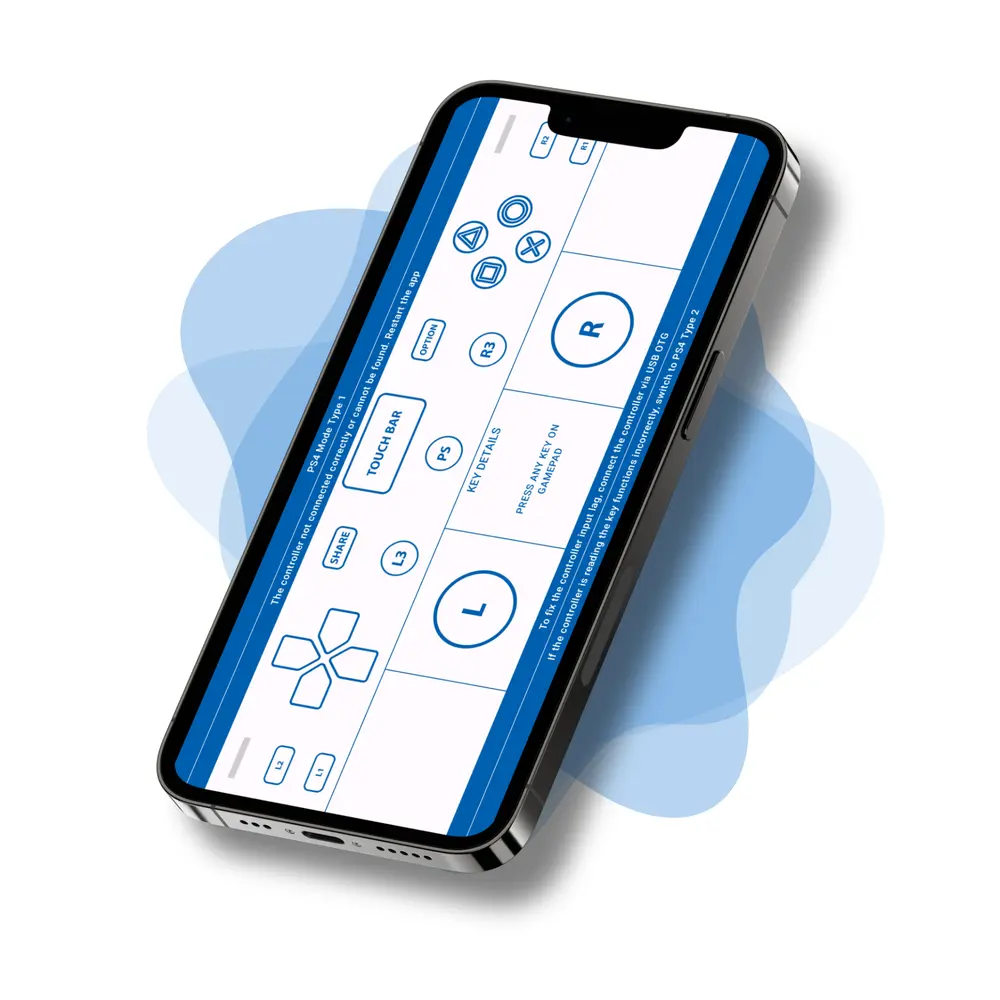
PS4 Controller Tester
PS4 Controller Tester lets you test all functions of your PS4 controller on Android with a visual, interactive interface. You can check button responses, analog sticks, triggers, and more all displayed graphically in real time. On newer Android versions like Android 10 or Android Pie, key mappings may differ. In such cases, switch to Universal Mode to ensure full compatibility.
⚠️ Note: Before downloading, make sure your device supports PS4 controllers via Bluetooth or USB OTG.
📌Features
- Real-time test for buttons, sticks & triggers
- Easy Graphical & Text display modes
- Universal Mode fixes mismatched mappings (Android 10+)
- Optimized for Android phones & tablets
- Great for gamers, devs & testers
🔧Supporting Devices
- DualShock 4 (PS4 Controller)
- DualSense (PS5 Controller)
🕹️Modes
- PS Mode Type1
- PS Mode Type2
- Universal Mode

Gamepad Tester Lite
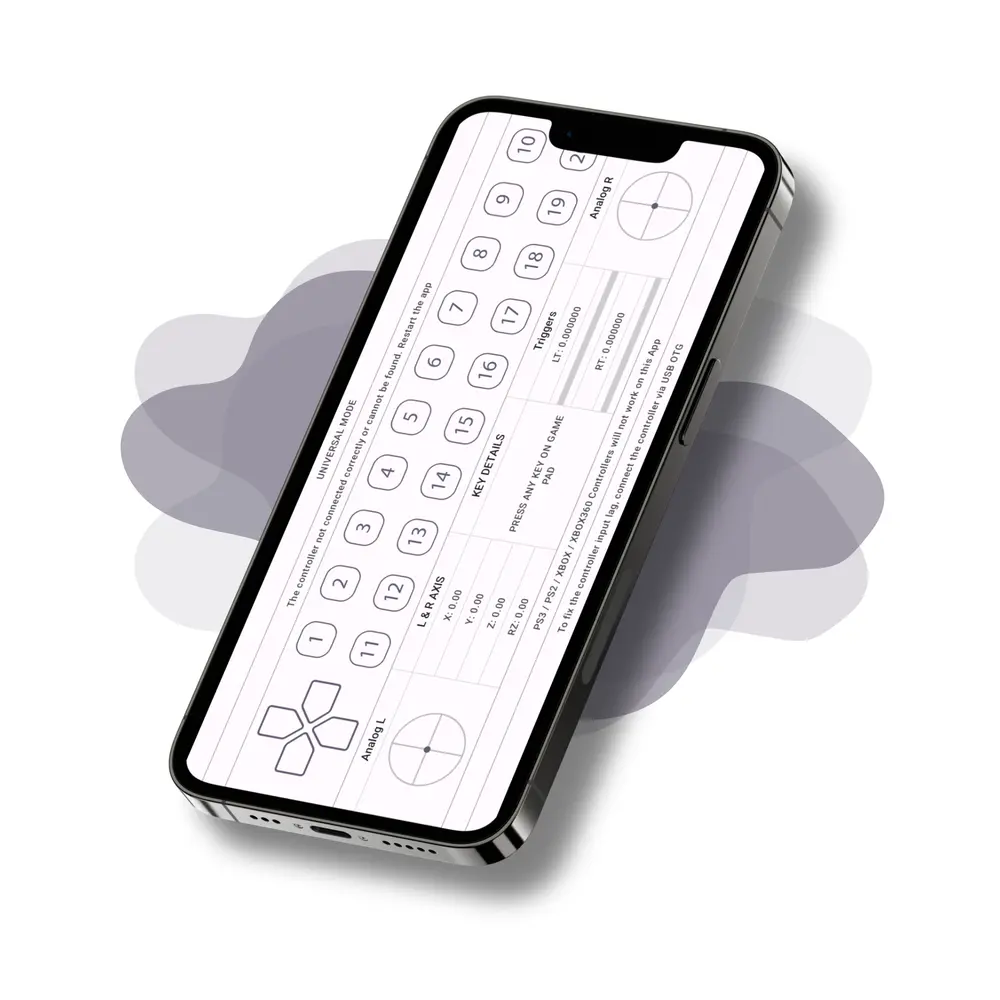
Gamepad Tester Lite is a lightweight version of the original Gamepad Tester, designed for smoother performance with minimal graphics.
It lets you test all functions of your Android gamepad, including buttons, triggers, and analog sticks. With Universal Mode, you can also test Xbox and PS4 controllers, just ensure your device supports them before connecting.
📌Features
- Lightweight, minimal graphics for fast loading
- Clean UI for real-time button & joystick input
- Switch between Graph View and Text Mode
- Universal Mode supports Xbox, PlayStation & more
- Works with all Android USB/Bluetooth gamepads
🔧Supporting Devices
- Standard Android Gamepads
- Xbox & PlayStation Controllers (via Universal Mode)
🕹️Modes
- Gamepad Mode
- Universal Mode

Blog
Mastering Controllers: Tips, Guides, and Insights
Explore our collection of expert tips, detailed guides, and in-depth reviews to help you get the most out of your gaming or device controllers. Whether you’re a casual gamer or a pro, find everything you need to enhance your control experience.
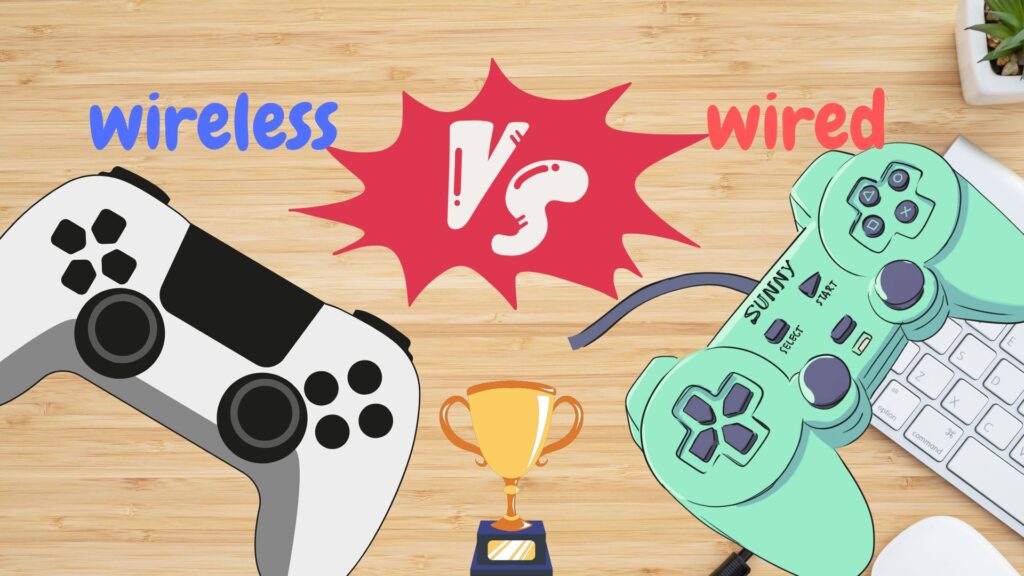
Wired vs Wireless Controllers: Which Is Better for Gaming in 2025?
🎮 IntroductionChoosing between wired and wireless controllers can be surprisingly tricky. Both offer great experiences,…
How to Choose the Best Controller for Your Android Phone
Mobile gaming has come a long way from casual tap games to full fledged console…
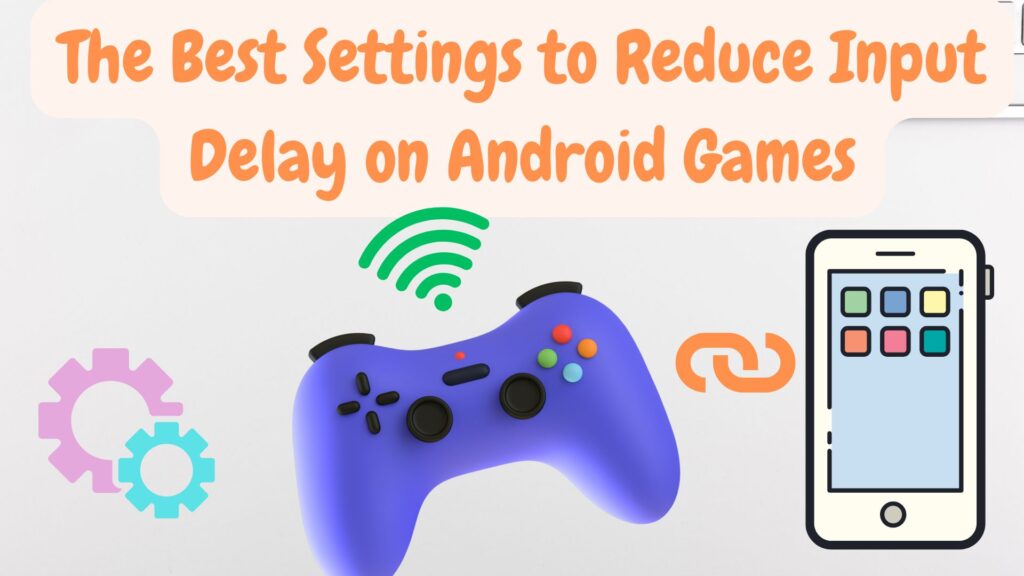
The Best Settings to Reduce Input Delay on Android Games
🎮 IntroductionEver noticed a slight lag between pressing a button on your controller and the…